
How to log into your Flex account
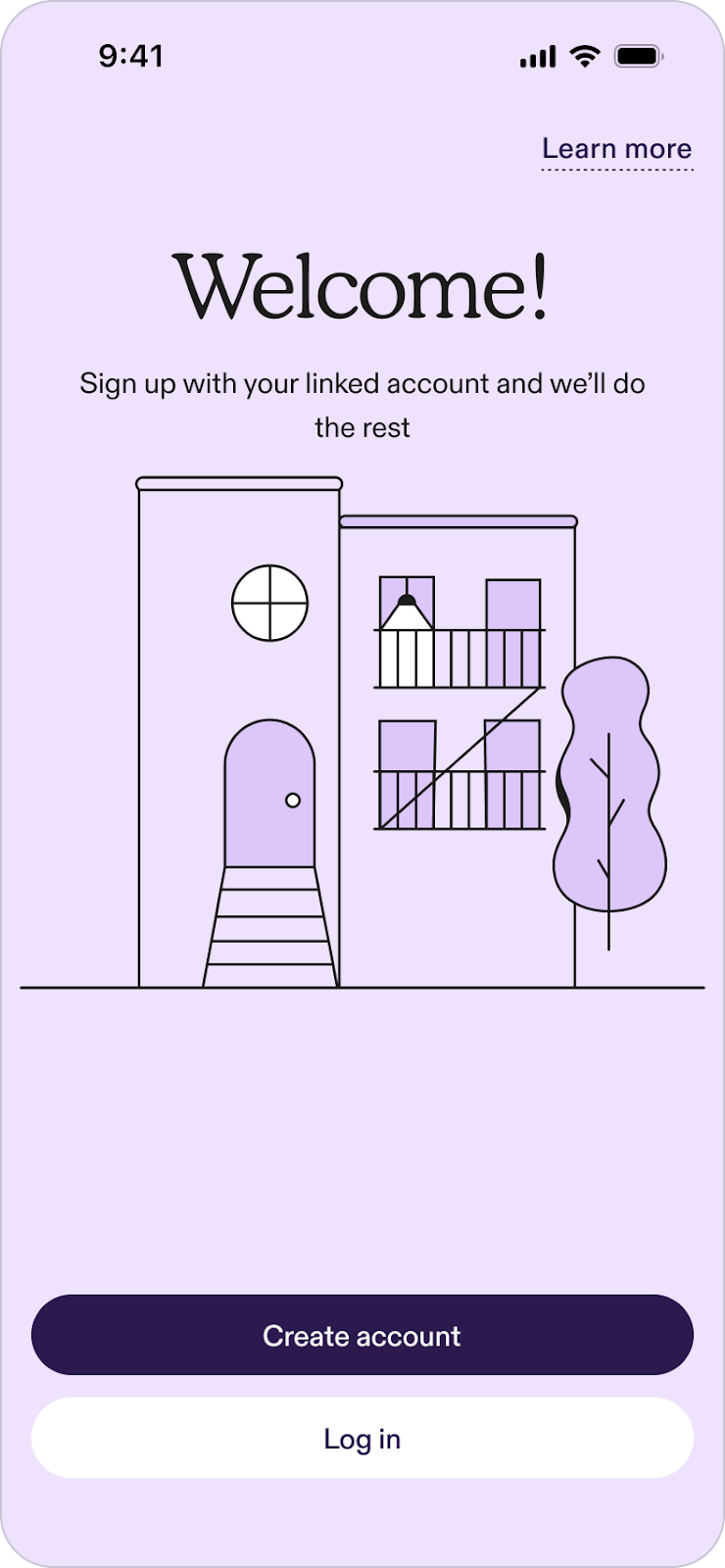
- Log in: To log in, click the "Log in" button at the top right-hand corner of the screen.
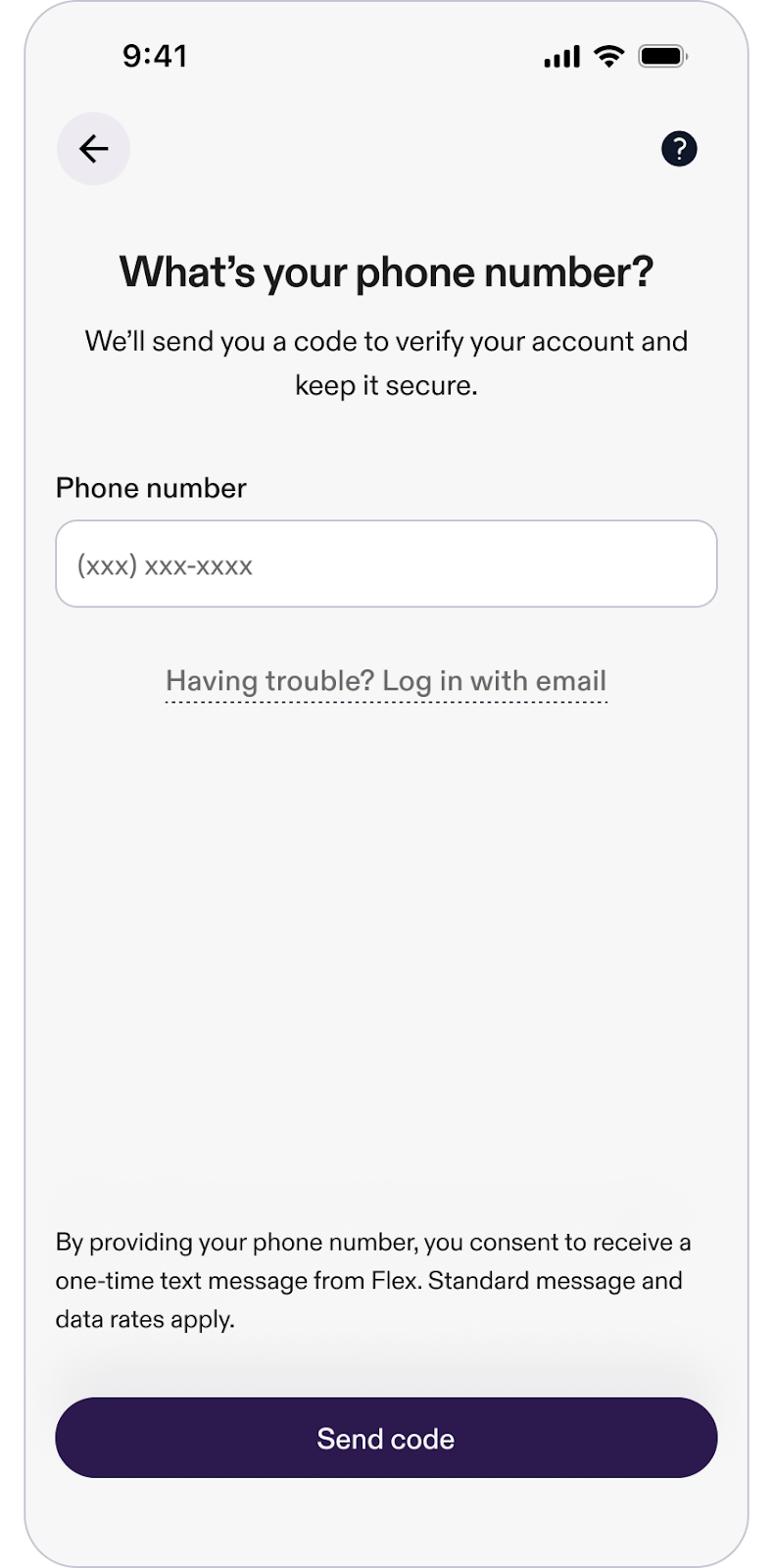
- Enter phone number: You’ll be prompted to enter your phone number. After entering it, a verification code will be sent to you.
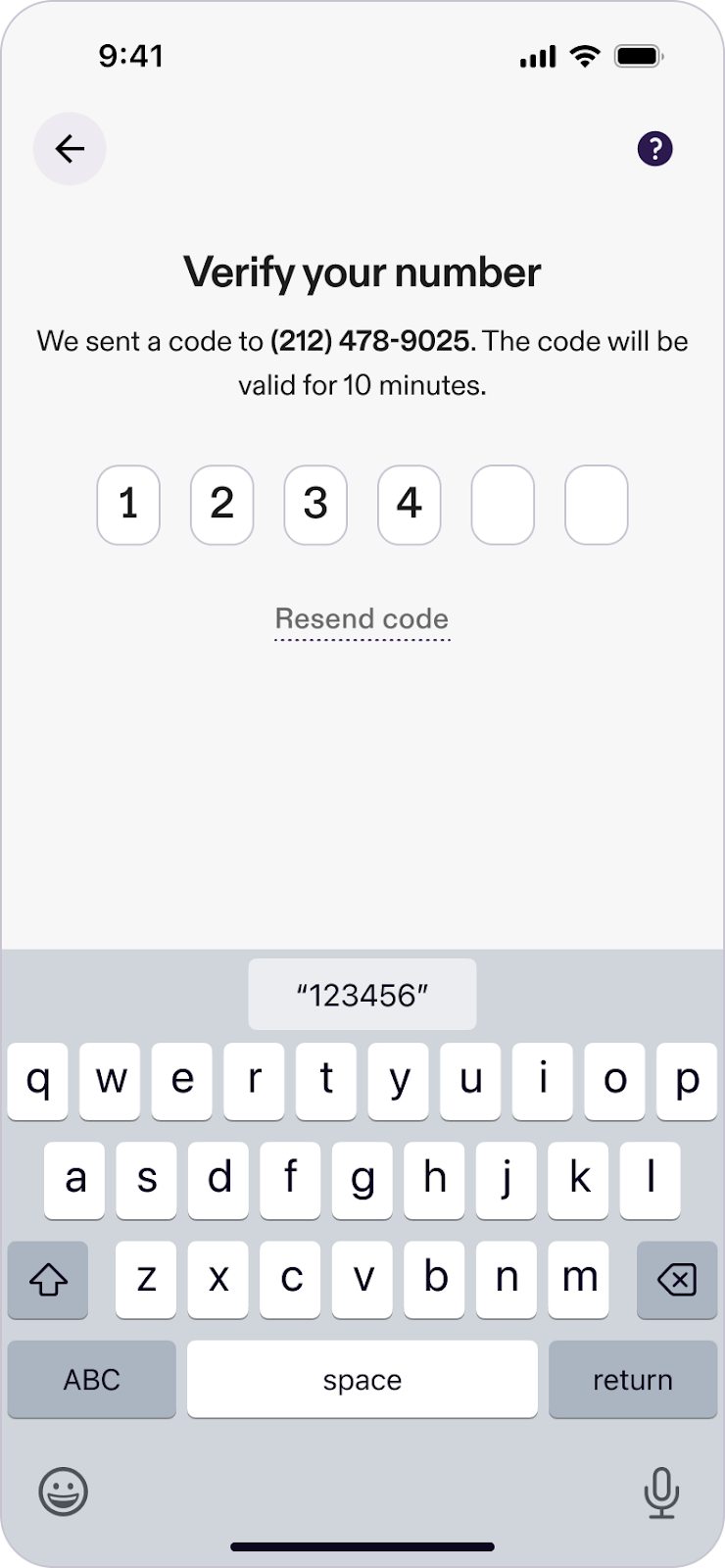
- Verify and access: Enter the verification code to securely log into your Flex account.
Trouble accessing your account due to a phone number change?
If you’re having trouble accessing your Flex account because your phone number has changed, follow these steps to recover your account:
- Access account recovery: On the login screen, click on the "Having trouble? Log in with email" option.
- Provide account information: Enter the original phone number associated with your account.
- Email verification: Then, enter the email address linked to your Flex account.
- Check your email: You’ll receive an email with a recovery link.
- Regain account access: Click the link in the email to be automatically redirected and logged into the Flex app.
Comments
0 comments
Please sign in to leave a comment.